Your Shopify store, translated end to end.
Reversia installs from the App Store and translates your whole store, metafields and checkout included, right inside Shopify.
 5.0 on the Shopify App Store (new tab)
 Reversia




Over 150 brands translate with Reversia
All of Reversia, inside your Shopify admin.
Translation, your rules, your visuals and your SEO, all set in one place for every language.
-
High-quality AI translation
Products, collections and pages translated with your store’s context and your brand’s tone.
-
Glossary and rules
Your brand names stay intact and your terms are enforced, language by language.
-
Images and videos per language
A different visual for each language, with the text in your images translated.
-
Multilingual SEO & GEO
URLs, meta titles and meta descriptions translated, for Google and for AI engines alike.
-
Checkout and emails
Your checkout texts and email templates, like the order confirmation, in every language.
 French




Installed from the App Store.
One click on Install, one authorization, and the app opens on your languages.
-
1The App Store
Reversia’s listing on the Shopify App Store, with the Built for Shopify badge and its rating. The pointer clicks Install.
-
2The authorization
In the Shopify admin, the install screen lists the data Reversia accesses, from products to translations. The pointer clicks Install.
-
3Your languages
The Reversia app opens in the admin on its languages. English, German, Spanish and Italian are added, then translated.

Down to the metafields.
The data your theme displays, kept in your metafields and metaobjects, is translated like the rest of the catalog.
One translation per market.
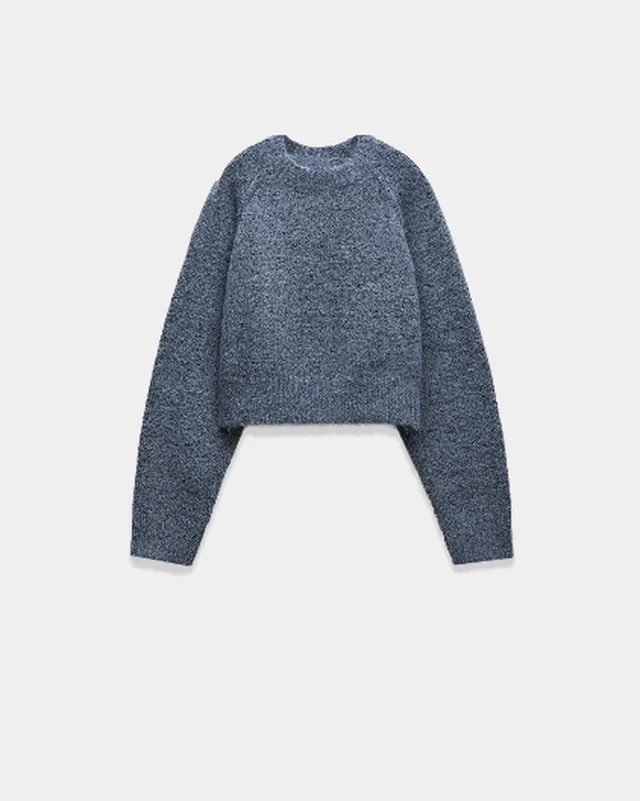
Reversia follows your Shopify markets. A word can change for a single country without touching the others.
 United States3
Manucurist’s review on the Shopify App Store
 Paris


 Shopify
“After six apps tried over the past six years, this is the one that impresses me most.”
 YounaE-commerce DirectorManucurist US · United States
Frequently asked questions
What we get asked most often.
How do I install Reversia on Shopify?
From the Shopify App Store, in one click. You choose your languages, Reversia translates the store and then everything you publish afterwards.Does Reversia translate metafields and metaobjects?
Yes. Product, collection and store metafields, and the entries of your metaobjects, are translated like the rest of the catalog.Does it work with Shopify Markets?
Yes. Reversia follows your markets and domains as you set them up in Shopify. A translation can be adjusted for a given market, and an image can change by language and by market.Are the checkout and emails translated?
Yes. Checkout texts and email templates, such as the order confirmation, are translated into every active language.How is this different from a proxy translation solution?
A proxy serves translations from its own servers when pages load. Reversia writes them into Shopify, which serves them like the rest of your store. They belong to you and stay in place if you stop.I already use another translation app. Can I switch?
Yes. The Reversia team guides the migration. Your old URLs are kept and a redirect plan is prepared if needed.How much does Reversia cost?
The price depends on the volume of your source language. Every language is included at no extra cost. See pricing.
Launch Reversia on Shopify.
The app is waiting for you on the Shopify App Store.